

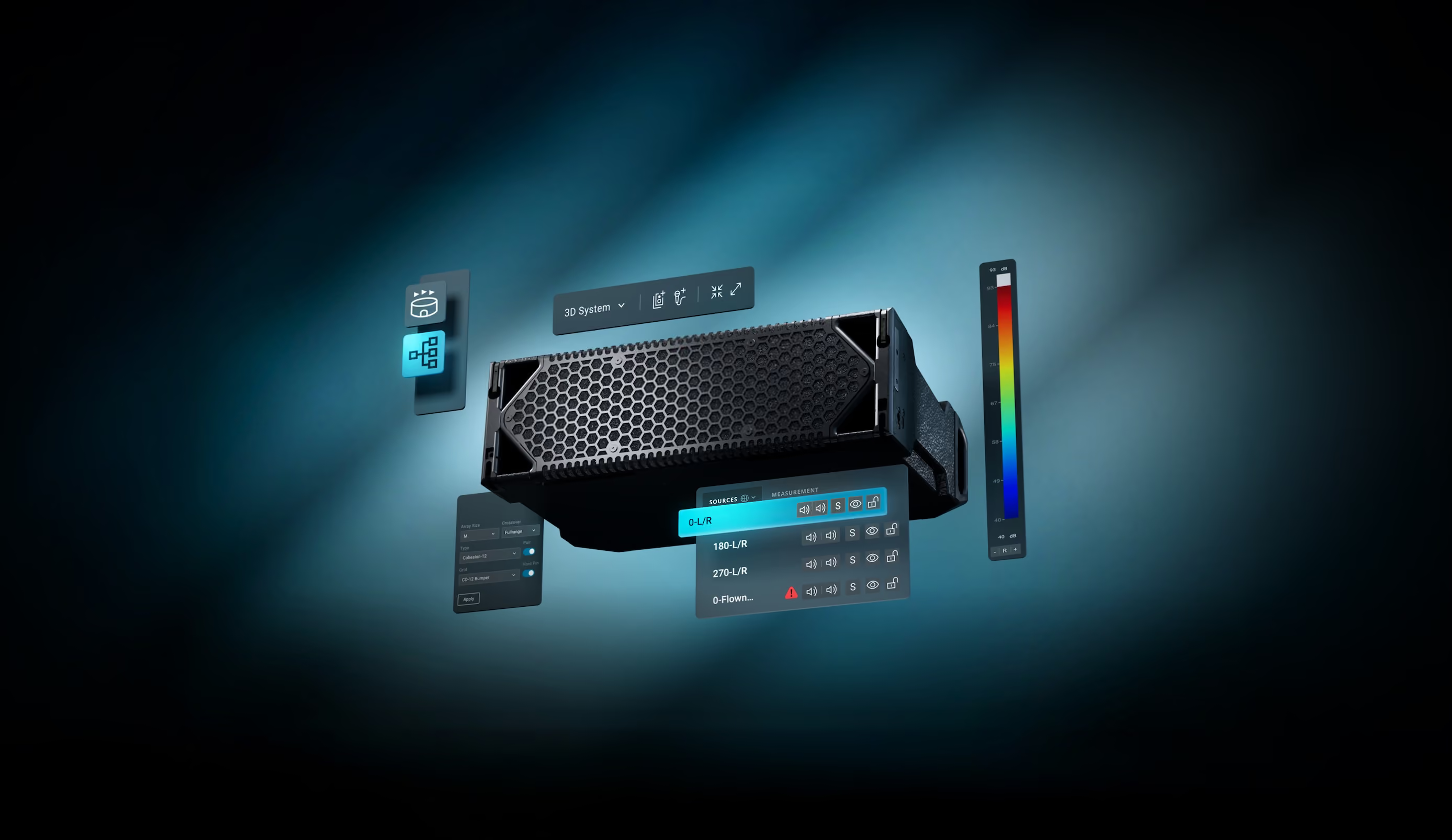

Canvas is the proprietary simulation software for Cohesion audio systems. Thoughtfully engineered features facilitate system design for any venue. Bring your design vision to life—with Canvas.



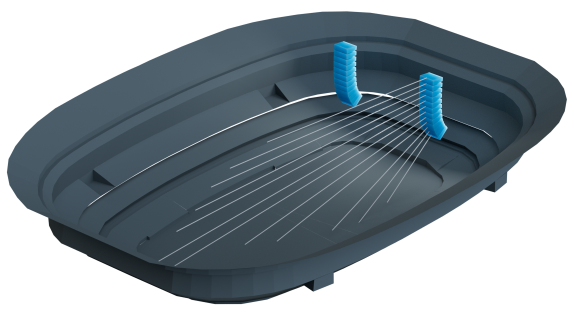



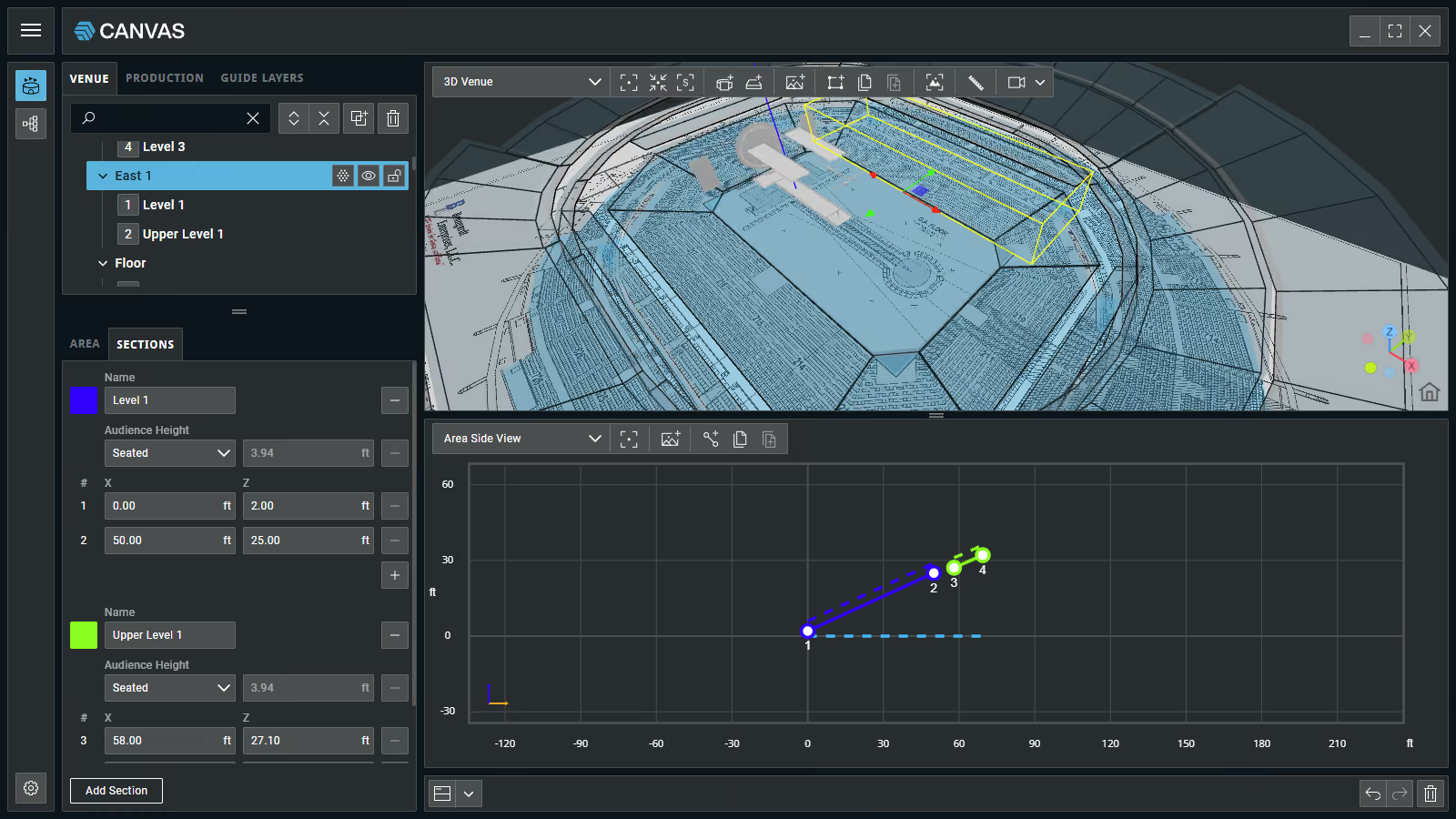
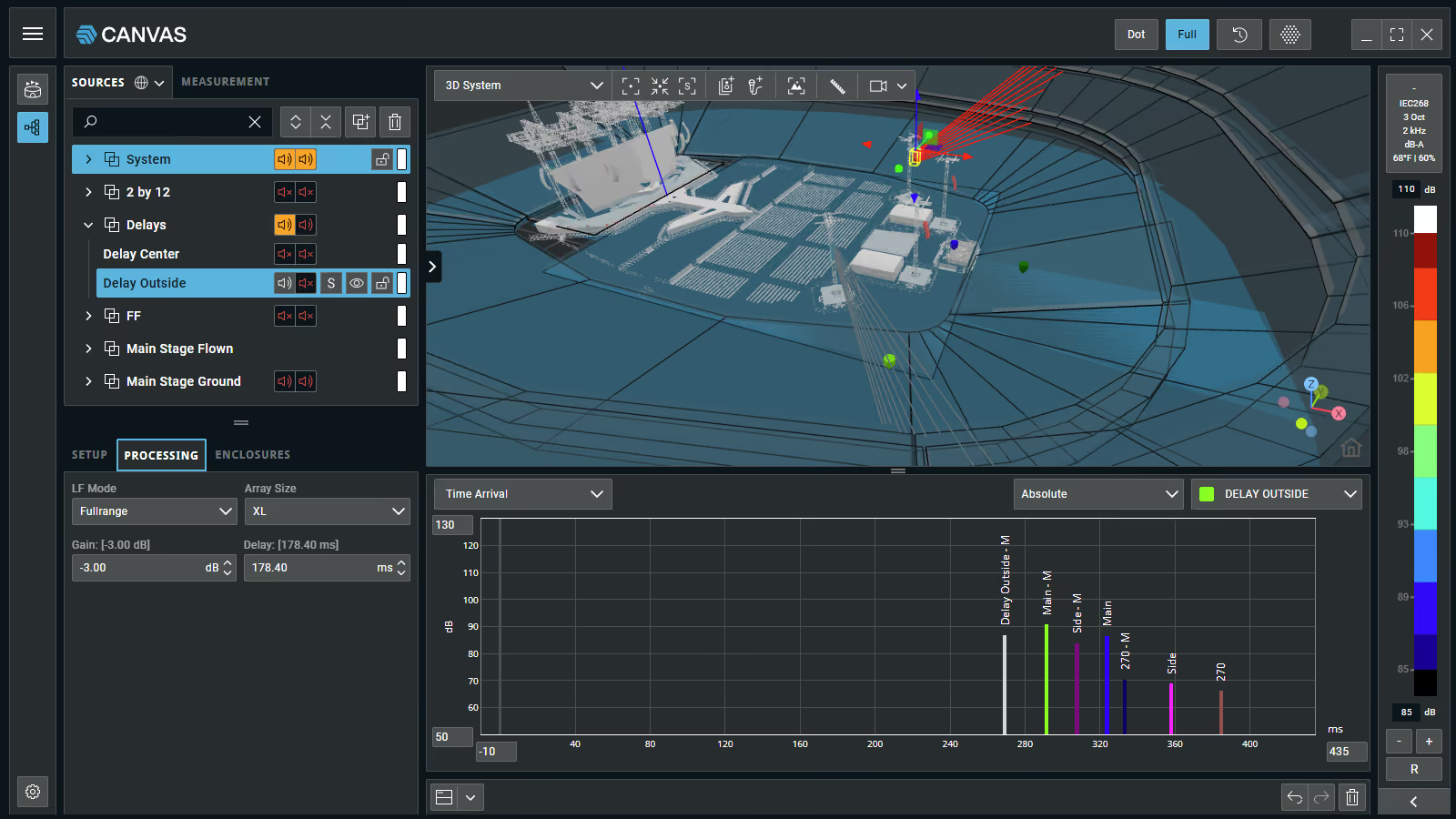
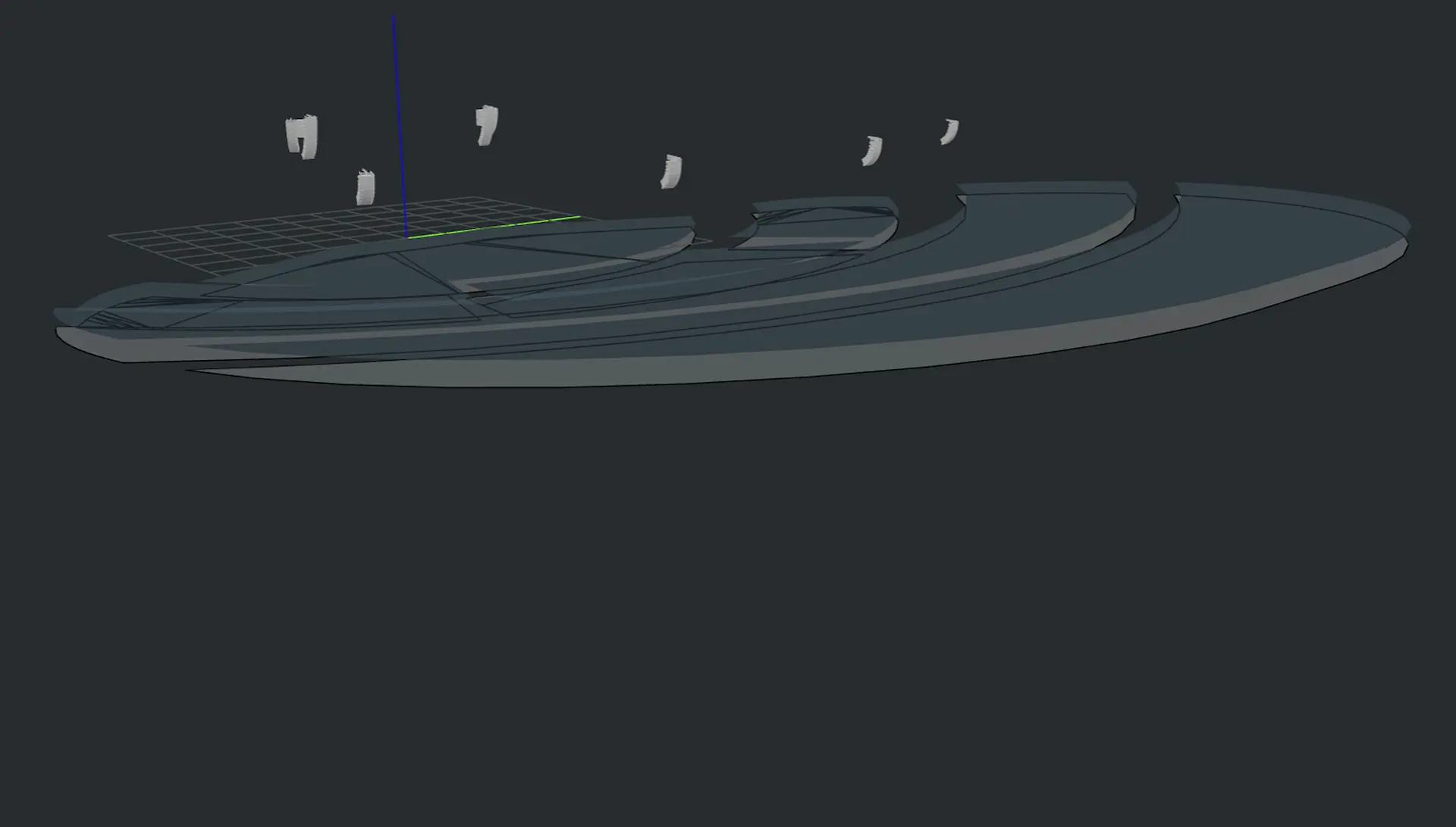
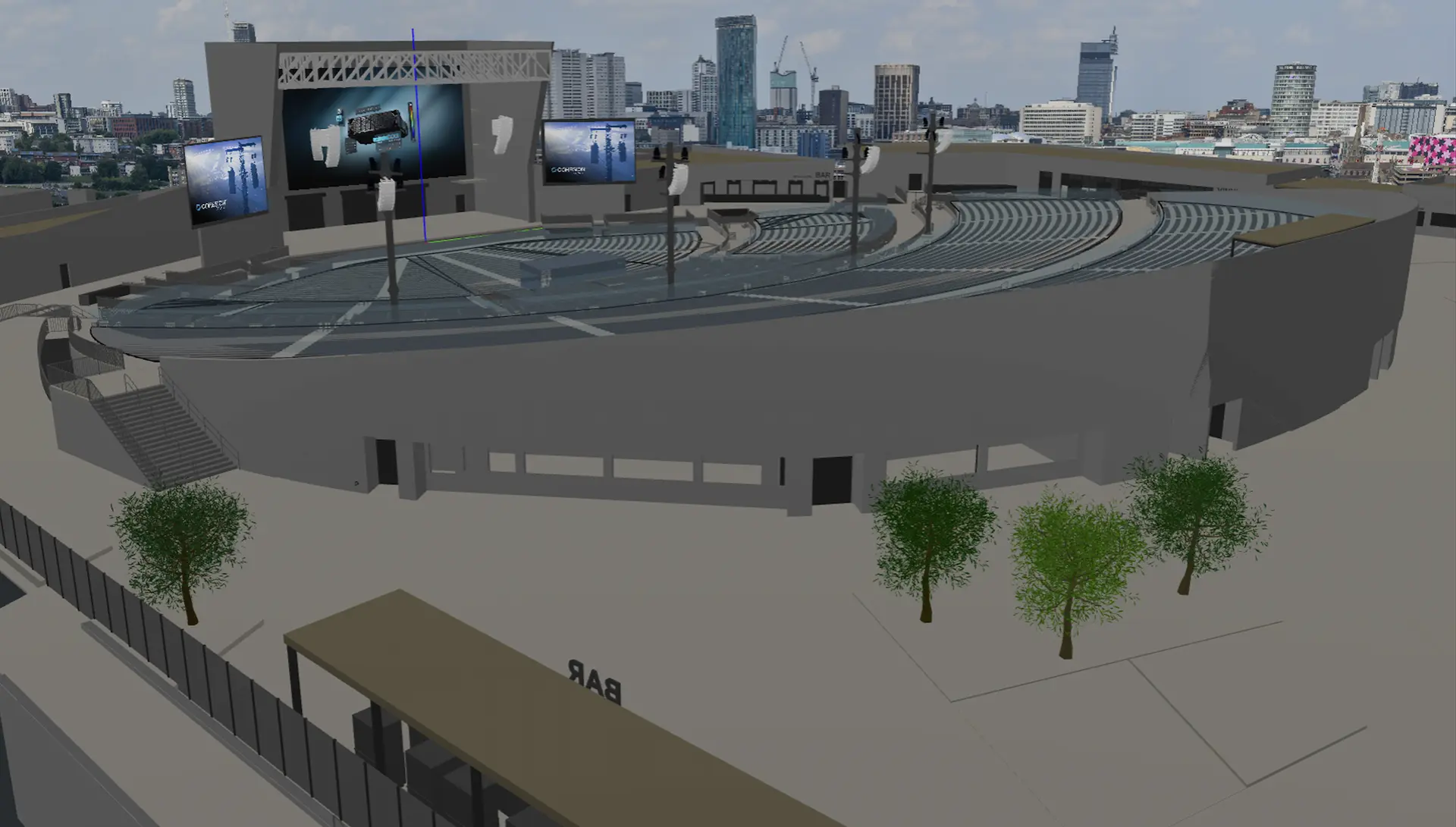
Create 3D venue models using drawing tools and import 3D venue geometry/production elements to add realism without losing performance.
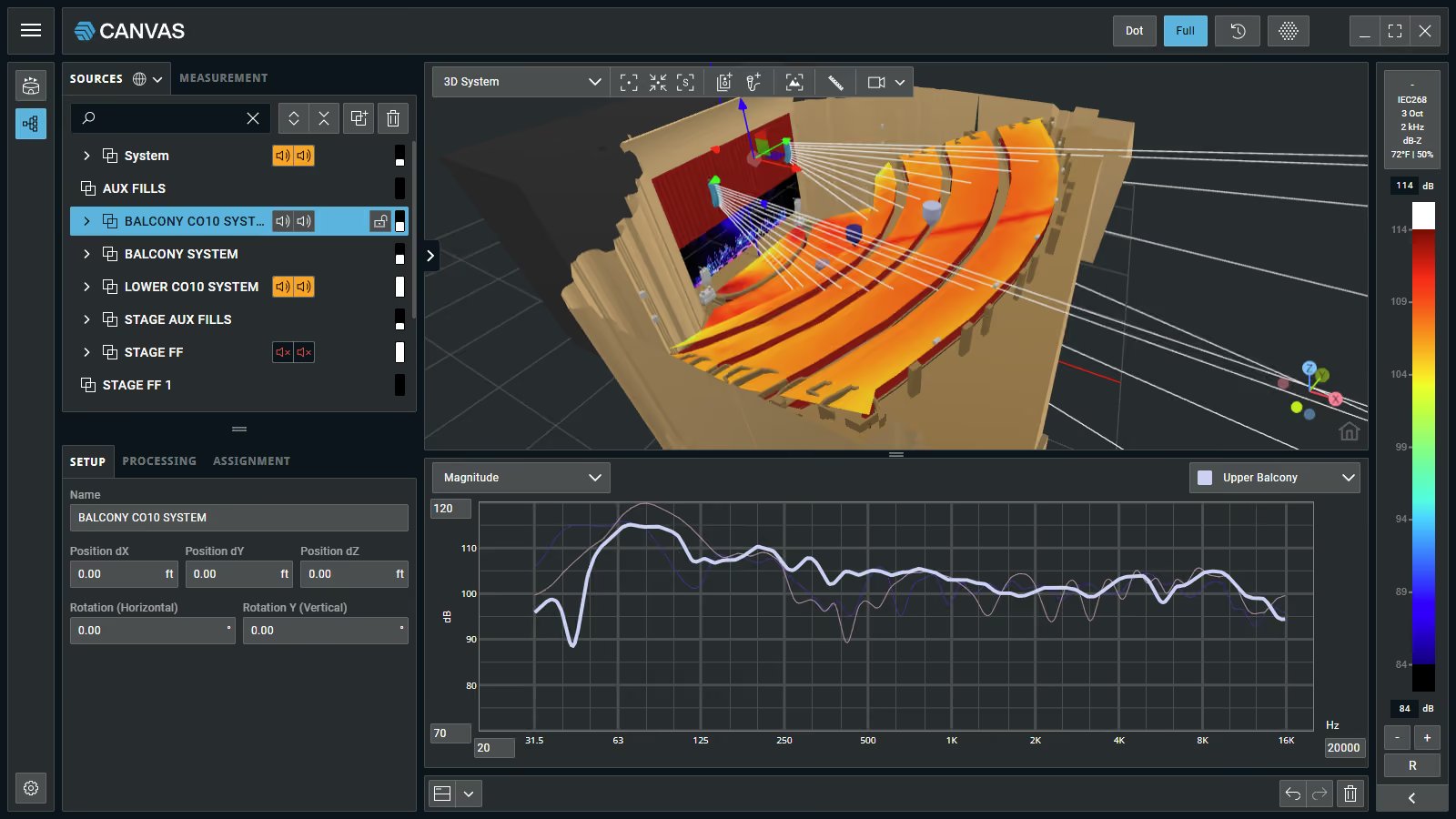
Fully develop, test, and refine your system design in simulation before deployment so you know what to expect on site.
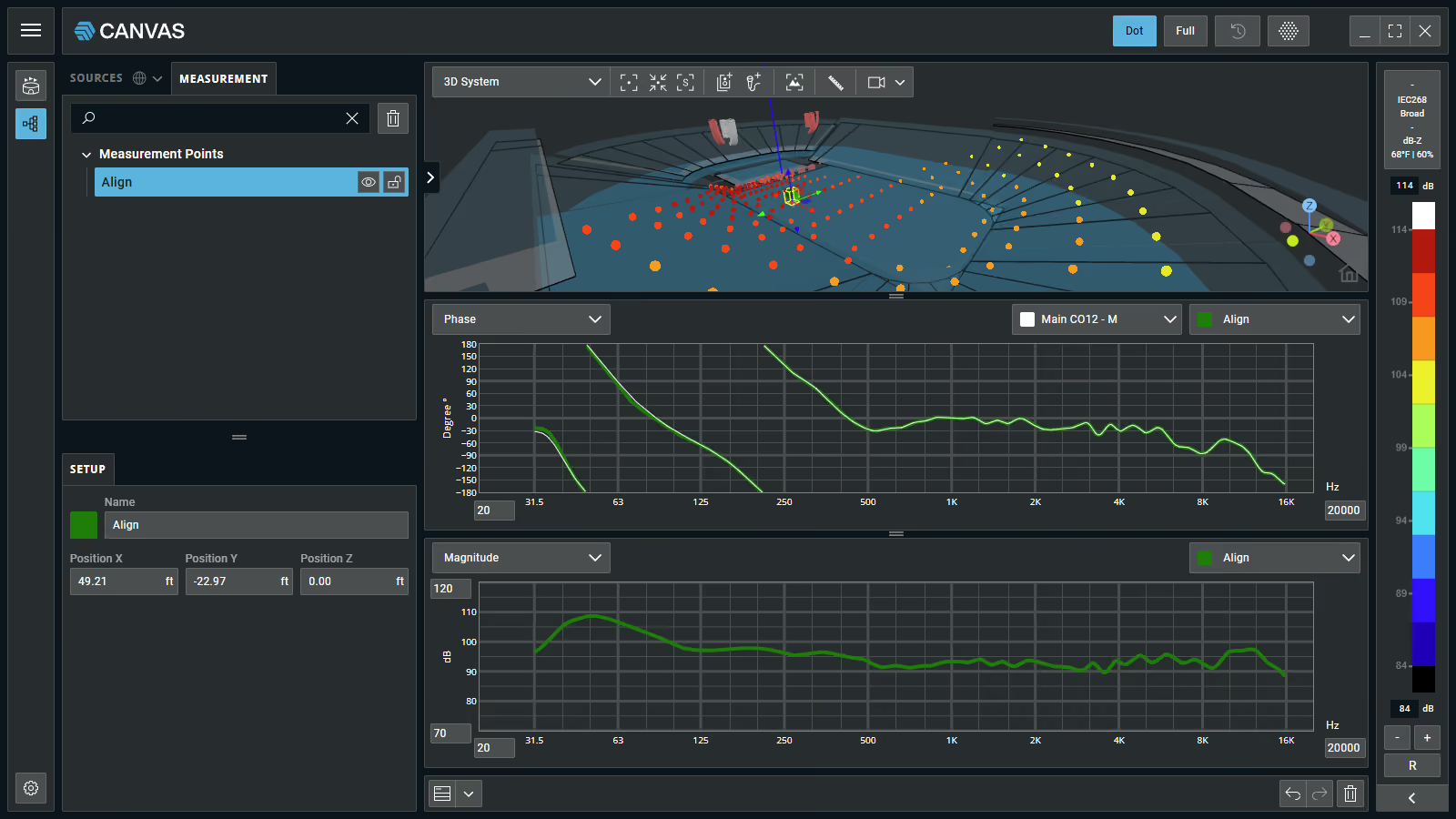
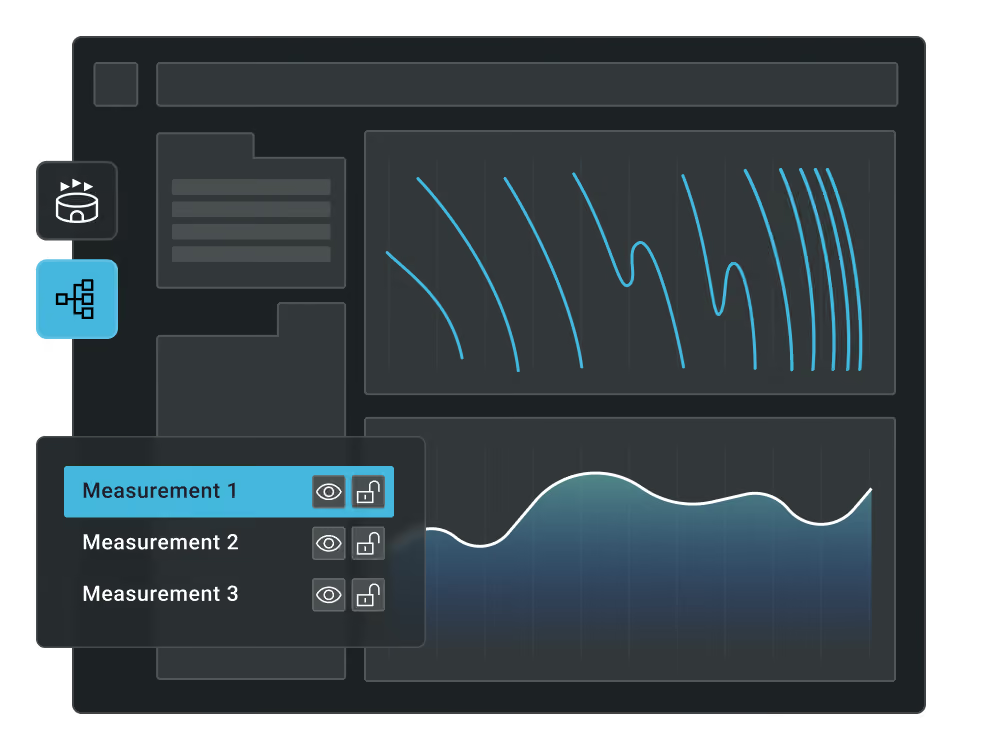
Continually practice the craft of designing and tuning PA systems using data views that mirror those you use during deployment.
The experience of the world's leading Cohesion system engineers is integrated into every feature and function within Canvas.
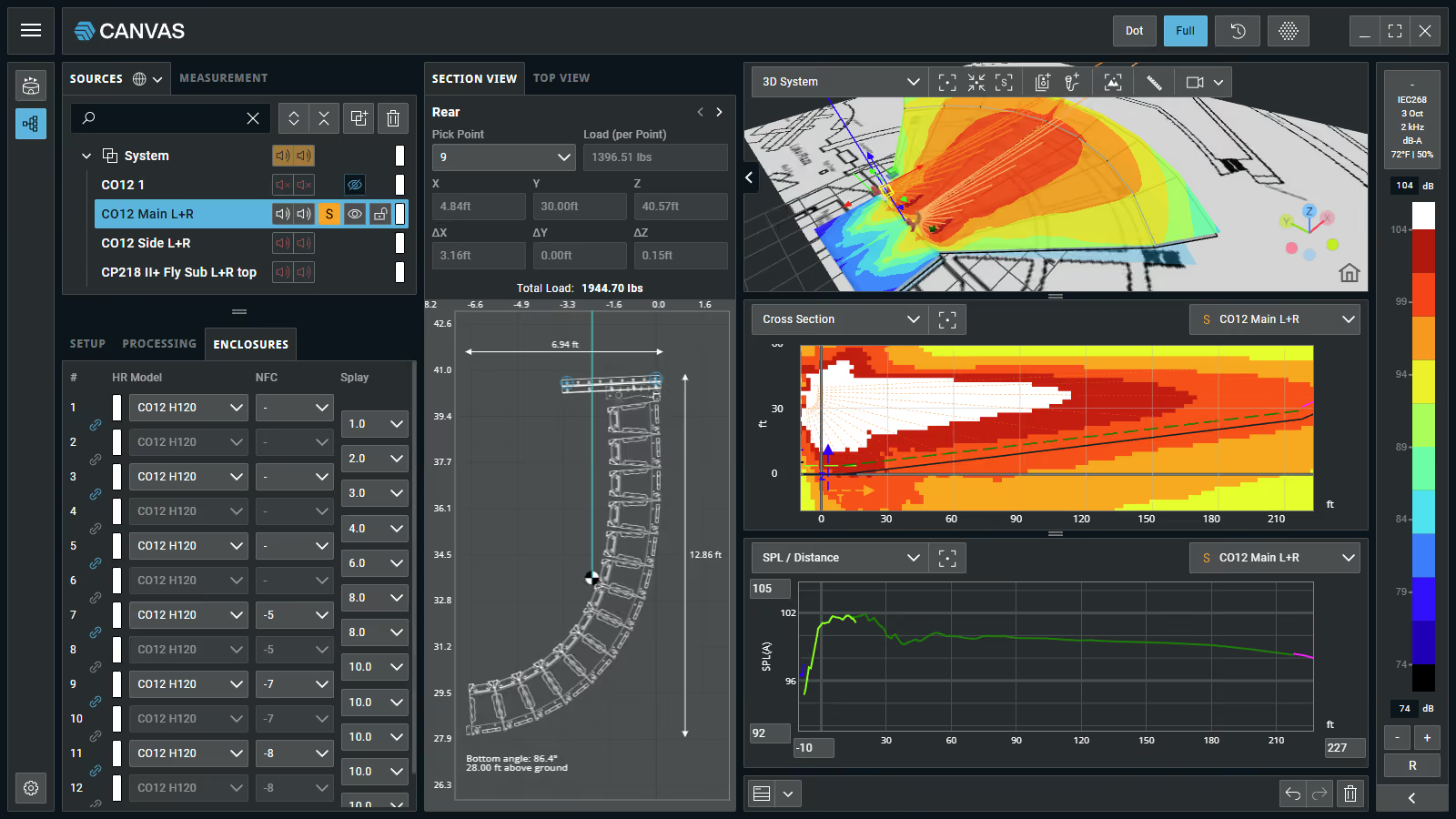
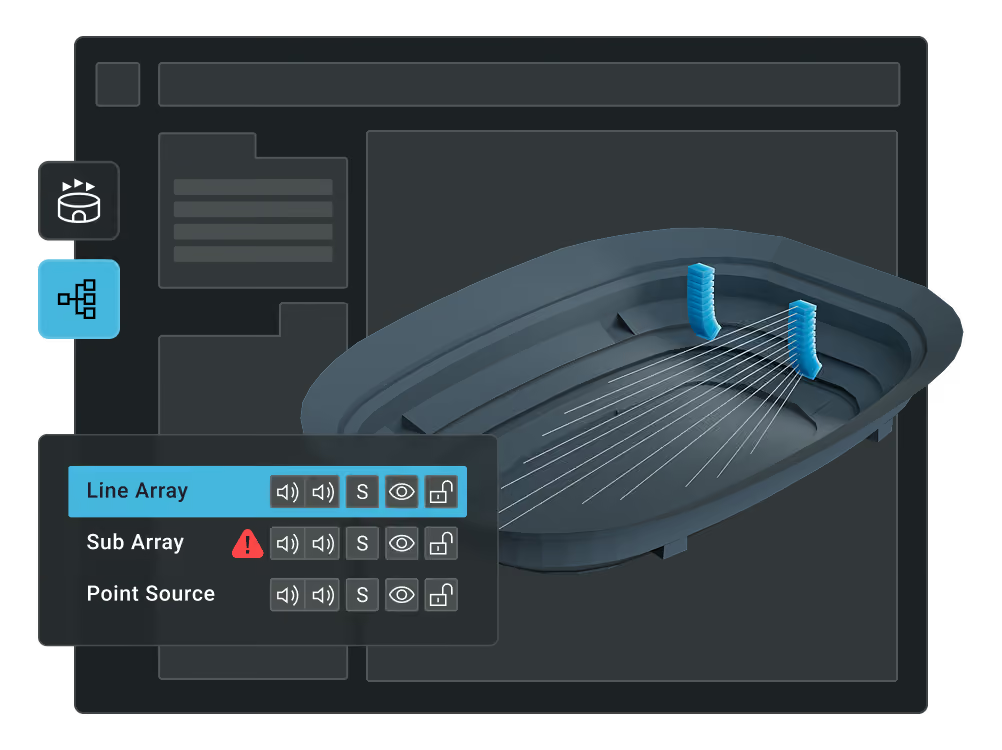
Use predefined Studio workspace views or quickly create your own to tailor your interface to your preferred method of working.
I immediately noticed the accuracy of SPL across a venue in Canvas. I can have an incredibly accurate prediction, in terms of shading, as I get closer to the bottom boxes. Rarely do I change those numbers from the prediction, even if I’m measuring with a meter in each cabinet zone. The SPL is incredibly consistent, so I know what I need to do the PA before it’s even up to trim.

Within a day of using Canvas, I was able to conveniently deploy a PA and feel confident. With multiple screen views, you can mimic any workflow that’s comfortable. It can work for anyone. I would 100% recommend Canvas.
The design for Bad Bunny’s residency in Puerto Rico was simulated from the beginning in Canvas. It’s truly a powerful design tool, as the software imports 3D drawings with highly detailed rendering and realism.

I immediately noticed the accuracy of SPL across a venue in Canvas. I can have an incredibly accurate prediction, in terms of shading, as I get closer to the bottom boxes. Rarely do I change those numbers from the prediction, even if I’m measuring with a meter in each cabinet zone. The SPL is incredibly consistent, so I know what I need to do the PA before it’s even up to trim.
Within a day of using Canvas, I was able to conveniently deploy a PA and feel confident. With multiple screen views, you can mimic any workflow that’s comfortable. It can work for anyone. I would 100% recommend Canvas.
The design for Bad Bunny’s residency in Puerto Rico was simulated from the beginning in Canvas. It’s truly a powerful design tool, as the software imports 3D drawings with highly detailed rendering and realism.


Canvas has the advanced features and tools that audio experts require—because it's designed and field-tested by industry professionals like you.

.webp)
.webp)
Explore the system simulation software from Cohesion today.
Download Canvas
Keep current with important software releases, updates, and news.


